
OCR Scanner for Vehicle Registration Certificates: Automatically Capture Data
Simply take a photo of the Vehicle Registration Certificate Part I—and you’re done: The OCR scanner in the CATAMA automotive software reads the FIN, HSN/TSN, license plate number, and owner information and automatically transfers them to the vehicle management system.
This page shows the scanner in detail—for a concise overview, see Vehicle Registration Scanner.
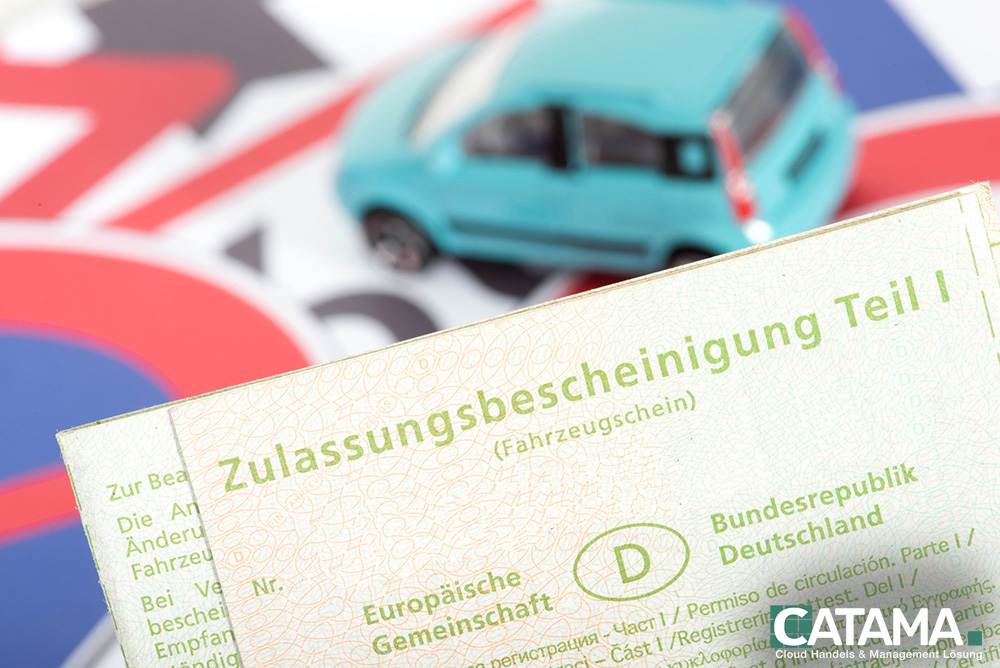
What data the scanner reads
The OCR scanner identifies the key fields from the Certificate of Registration, Part I, and transfers them in a structured format to the vehicle and customer forms.
Vehicle Identification Number (VIN)
The complete VIN is reliably recognized—the basis for parts lookup and vehicle identification.
HSN & TSN
Manufacturer and type code numbers for the precise identification of the model and variant.
License Plate
The official license plate number is recorded and directly assigned to the vehicle.
Initial Registration
Date of initial registration for history, maintenance intervals, and valuation.
Owner Information
Name and address of the owner—created directly as a customer contact upon request.
Technical data
Information such as power output and engine displacement is automatically entered as listed on the registration certificate.
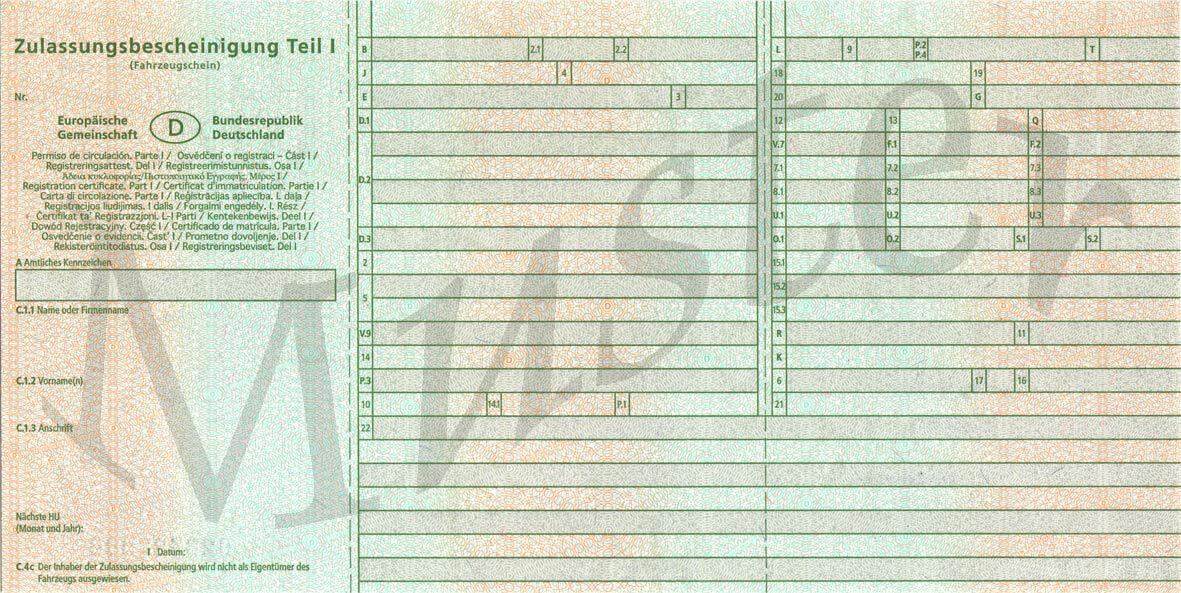
Three steps to registering your vehicle
No manual typing, no transposed digits: You take a photo of the vehicle registration certificate, the OCR scanner reads the fields, and you import the verified data with a single click.
- 1. Take a photo of the Vehicle Registration Certificate, Part I
- 2. OCR recognizes the VIN, chassis number/transmission number, license plate, and owner
- 3. Verify the data and import it into the vehicle management system
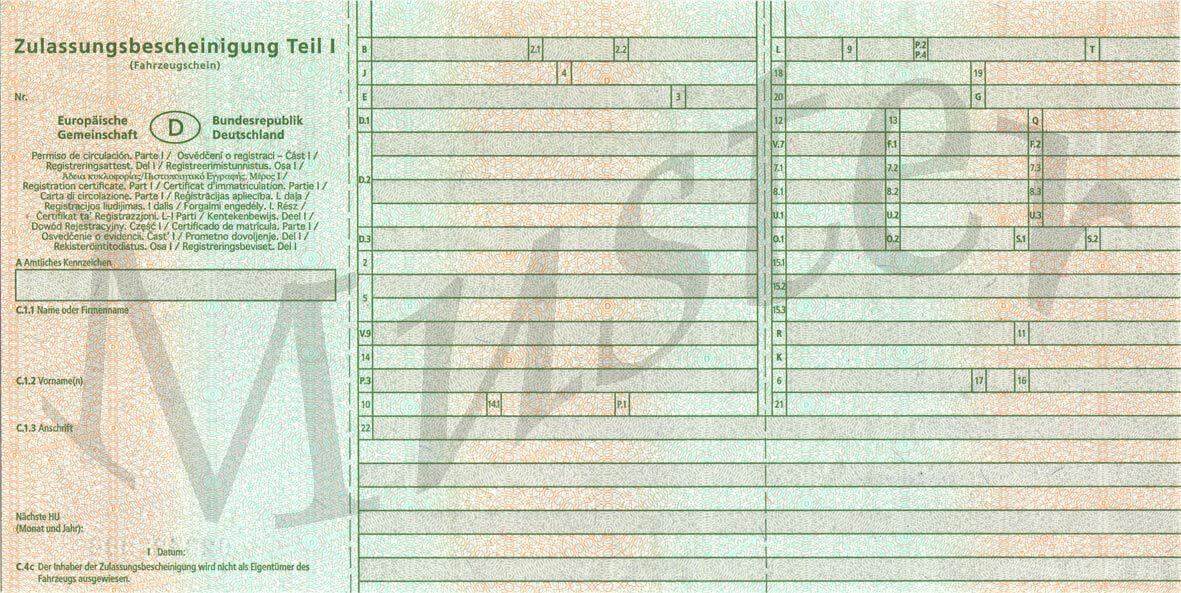
Quick data entry—in the workshop and at dealerships
Whether when accepting a job at the repair shop or purchasing a vehicle at a dealership: The scanner saves time with every new vehicle and prevents errors with VINs and license plates.
- Workshop: Fast order entry
- Dealership: Purchasing & Inventory
- Mobile data entry via smartphone
- Fewer follow-up questions thanks to accurate data
OCR Scanner – A Brief Explanation
Which fields does the scanner recognize?
Among other things, the VIN, HSN/TSN, license plate number, date of first registration, and owner information from Part I of the registration certificate.
Can I scan with my smartphone?
Yes. You take a photo of the vehicle registration certificate with your smartphone; you then import the recognized data into CATAMA after verifying it.
How accurate is the recognition?
The recognized values are displayed before they are imported, so you can quickly review them and correct them if necessary.
How does this page differ from the overview?
Here you’ll find the detailed view. The vehicle registration scanner offers a quick introduction.
More in the CATAMA universe
Vehicle Management
Process registered vehicles—including costs, days out of service, and export to the marketplace.
Inventory Management & Stock
Vehicles, items, and tires in inventory—all in one inventory management system.
Vehicle data in seconds instead of minutes
Try CATAMA free for 14 days and enter vehicle data via OCR scan—no manual typing required.