
Customer Portal for Workshops and Dealerships
Your customers pull up their invoices, quotes and vehicle data themselves instead of calling the workshop. The customer portal is part of CATAMA automotive software and is enabled per customer.
Cloud · Enabled per customer · Data centre in Germany
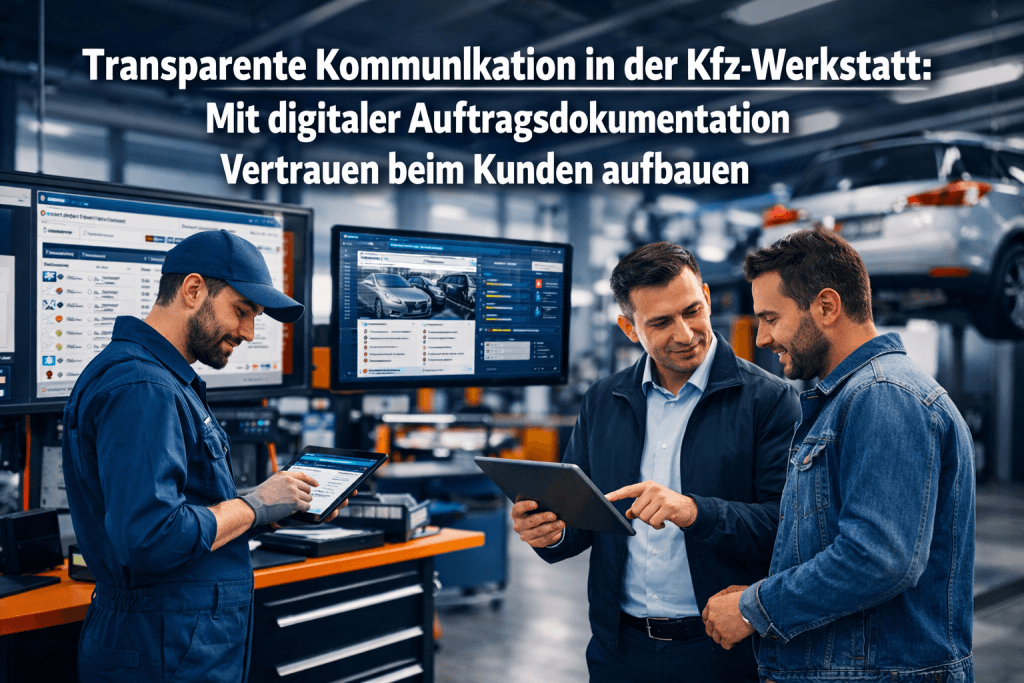
Self-service for your customers
The customer portal is a separate area with its own login. Customers see exactly the data that belongs to them, and you decide which sections that includes.
Access by invitation
The customer receives an invitation link and sets their own password. From then on they sign in with email and password, and a password reset path is built in.
View documents
Invoices, quotes and credit notes are available in the portal and can be downloaded as PDF.
Vehicles at hand
Customers see the vehicles you have on record for them, with nobody having to look up data.
Keep master data current
New address or phone number? The customer files a change request that your team reviews and approves. Nothing changes unnoticed.
You define what is visible
Which sections the portal shows is up to your settings. Individual documents can additionally be hidden.
Optional self-registration
If you like, customers can register themselves, either reviewed by your team or approved automatically.
Fewer calls asking for documents
The invoice from two years ago, the quote from yesterday, the proof for an insurance claim: requests like these interrupt the working day. In the portal customers find the paperwork themselves, around the clock and without waiting.
- Documents available without asking
- PDF download, older records included
- Always the current state from CATAMA, no copies
- No need to email paperwork back and forth
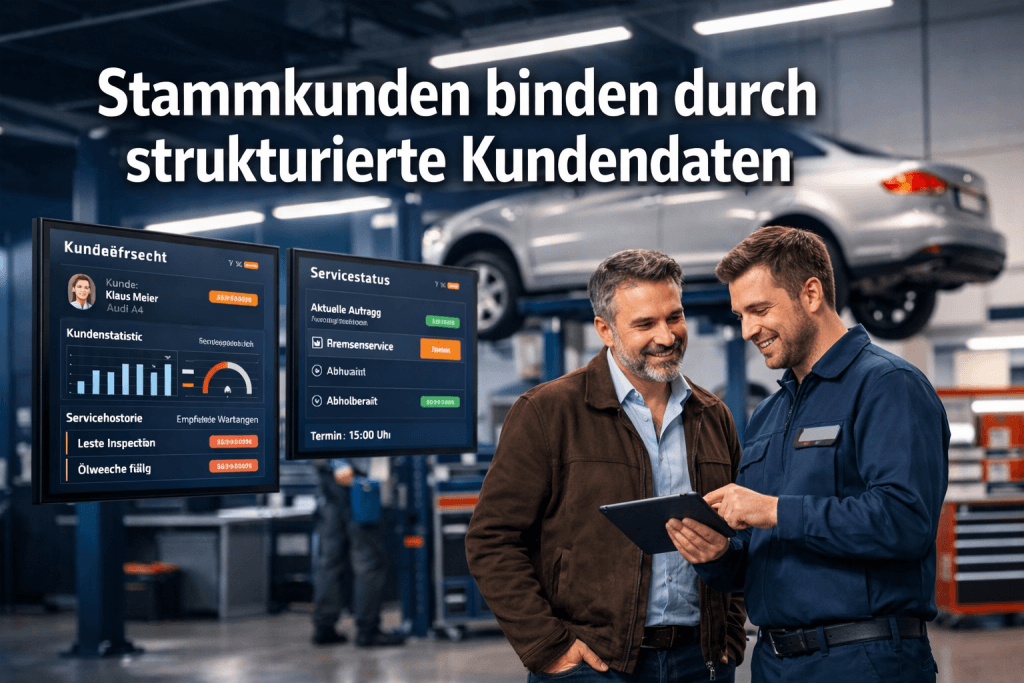
Approval per customer and per document
The portal is switched on centrally and then opened up for individual customers. That lets you start with fleet or long-standing customers and widen the circle at your own pace.
- Central activation for the business
- Enabled for each customer individually
- Sections such as quotes or credit notes can be switched off
- Welcome and notification texts are editable
Customer portal in short
How does a customer get access?
You enable the customer and send an invitation. Using the link in that invitation the customer sets their own password and signs in with their email address afterwards.
Which documents does the customer see?
Their own invoices, quotes and credit notes plus their vehicles and master data. Which of those sections appear at all is defined in your settings.
Can customers edit their own data?
Not directly. The customer files a change request that becomes visible in CATAMA. Only after your approval does the change reach the master data.
Do I have to open the portal to every customer?
No. Besides the central switch for the business there is an approval per customer, and individual documents can be excluded from the portal as well.
More in the CATAMA ecosystem
Give your customers a direct line
Try CATAMA free for 5 days and open the customer portal for your first customers.