
Invoice Recognition for Incoming Documents
Upload an incoming invoice in goods receiving instead of typing it out: recognition reads header data, totals and line items and pre-fills the entry form in CATAMA. All that is left is checking and posting.
Cloud · Billed through CATAMA AI tokens · Data centre in Germany
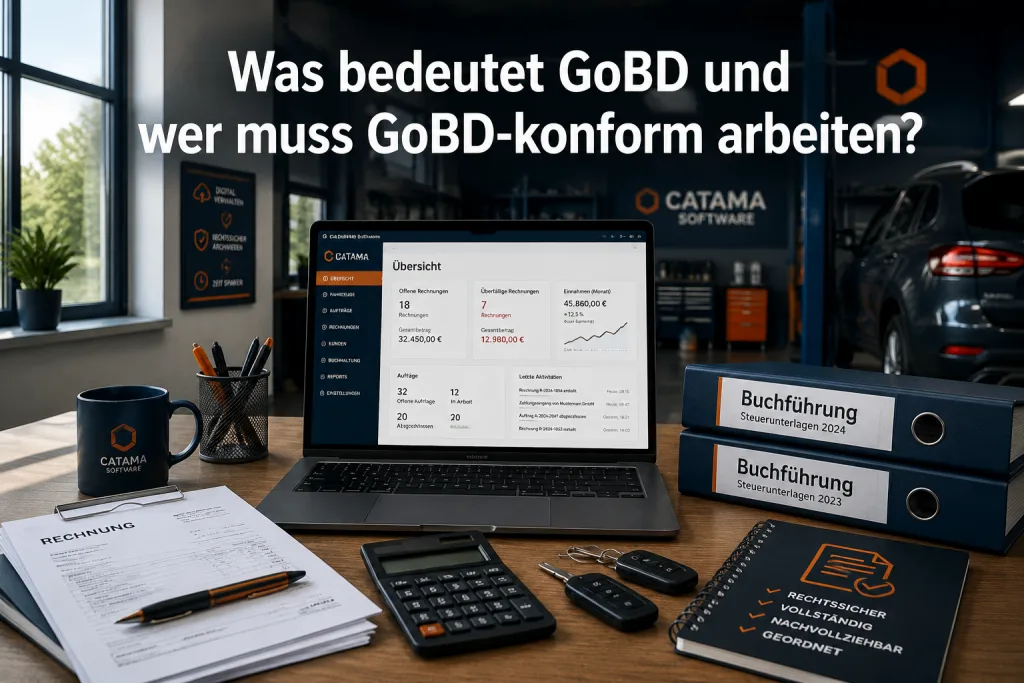
What recognition takes off your hands
Invoice recognition sits right inside goods receiving. The uploaded document is read out and the result appears as a proposal in the entry form, editable before anything is posted.
Read the invoice header
Invoice number, date, address data and totals are recognised and carried into the entry form.
Take over line items
Line items are read as well, so parts, quantities and prices do not have to be typed row by row.
Process batches
When several documents pile up, a dedicated panel processes them one after another instead of opening each one.
See the cost upfront
The page count is estimated before processing, so you know how many tokens a batch will use before it runs.
Capture by smartphone
Documents can be uploaded from a phone. A single checkbox sends the file straight through recognition.
Check and correct
Every recognised value stays editable. Recognition pre-fills, the decision stays with your team.
From PDF to a checked posting
The route stays the familiar one: you work in goods receiving, just without typing. Recognition delivers a proposal, you review it and post as before.
- Upload the document in goods receiving
- Recognition pre-fills header data and line items
- Check and correct deviations from the purchase order
- Post as usual, the document stays with the record
Billed per page, not as a flat rate
Invoice recognition is billed through CATAMA AI tokens: one token per recognised page. You only pay for the documents you actually put through.
- One token per page, no per-seat subscription
- Balance and usage visible per branch
- Page count estimated before the run starts
- The feature can be switched off entirely
Not only incoming invoices
Text recognition appears in several places in CATAMA. These three areas work independently of invoice recognition in goods receiving.
Vehicle registration scanner
Read vehicle data from the registration document and carry it straight into the vehicle record.
VIN by camera
The vehicle identification number can be captured with the smartphone camera instead of read off the door frame.
Full-text search in the DMS
Filed documents are read out for the search index, so you can find text inside a PDF as well.
Invoice recognition in short
Which documents are recognised?
Incoming invoices and comparable documents that you upload in goods receiving. Recognised are the invoice header with address data, the totals and the line items.
What does recognition cost?
Billing runs through CATAMA AI tokens, one token per page. The page count is estimated before processing so the usage is visible in advance.
What happens with misread values?
Every field stays editable. Recognition only pre-fills the entry form; posting happens after your review in goods receiving.
Does it work from a phone?
Yes. When uploading from a smartphone you enable recognition with a checkbox and the document is read out right away.
Stop typing out incoming invoices
Try CATAMA free for 5 days and have your first documents read out automatically.