
Workshop & Appointment Scheduler for Automotive Businesses
Schedule appointments with drag-and-drop, assign resources such as lifts and mechanics, and keep track of your business’s capacity in real time. Specifically designed for auto repair shops and automotive dealerships.
Included in Enterprise & Unlimited or as a standalone solution
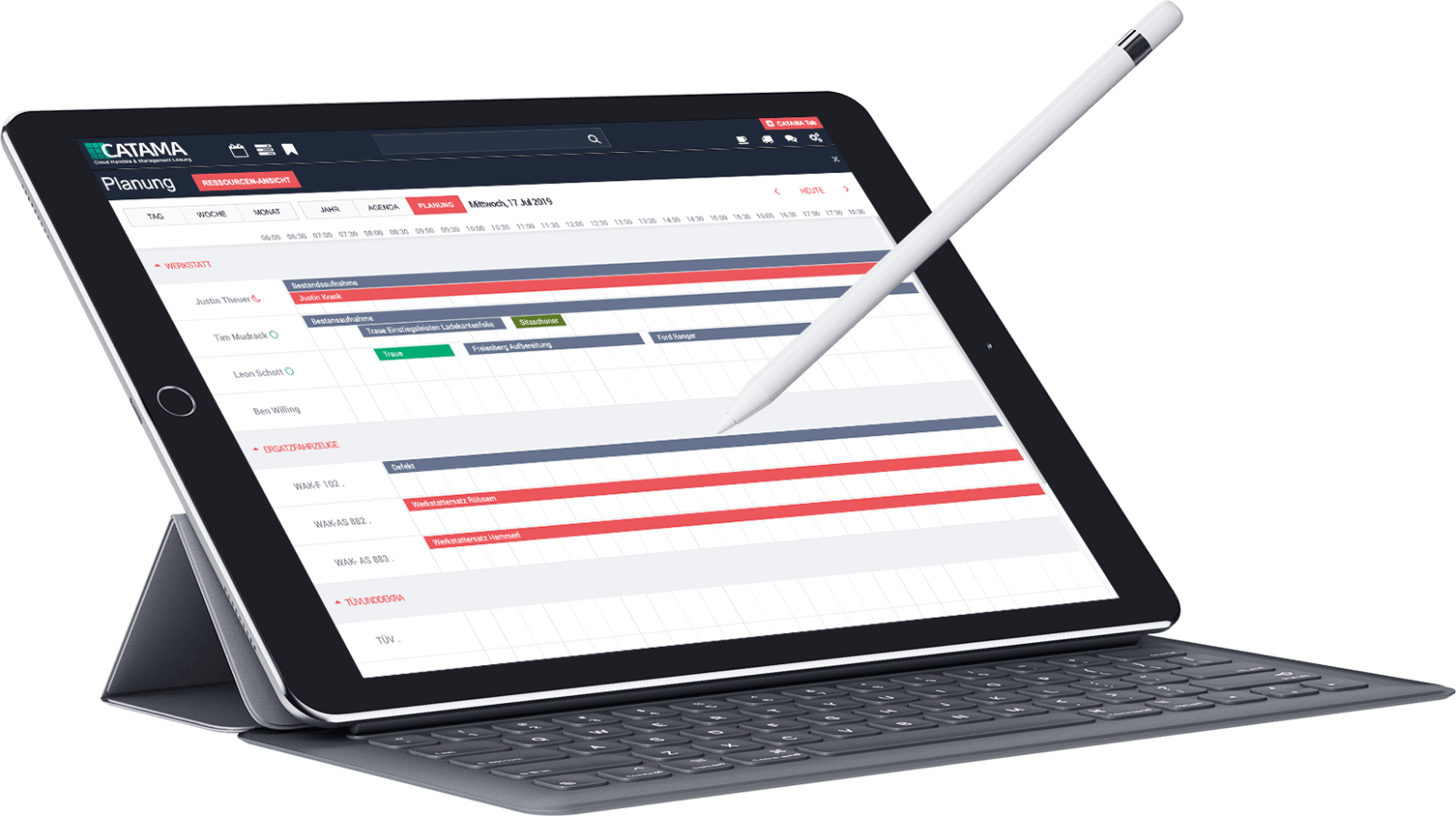
Classic workshop planning, only better
The CATAMA workshop scheduler is cloud-based software for planning appointments, mechanics and workshop resources by drag-and-drop, with real-time capacity utilization. From the initial appointment through vehicle drop-off to repair—the workshop planner in the CATAMA automotive software maps out the entire process.
Appointments via drag-and-drop
Create, reschedule, and assign new appointments to the appropriate department with just a few clicks.
Resource Planning
Keep track of the availability of mechanics, test stands, lifts, and loaner vehicles.
Team & Shifts
Group employees by department, mark early/late shifts, and account for vacation time.
Status with Color Coding
Clear status codes show the processing status of each appointment at a glance.
Optimize Capacity Utilization
Identify available and occupied capacities and strategically manage your operation’s capacity utilization.
Everything linked
Link appointments to customers, vehicles, employees, and orders—without duplicate entries.
How a workshop appointment runs in CATAMA
The workshop scheduler brings an appointment together in one place, from creation to repair: appointment, customer, vehicle, order and resources are all linked. The whole team sees the processing status in the same plan, without entering information twice.
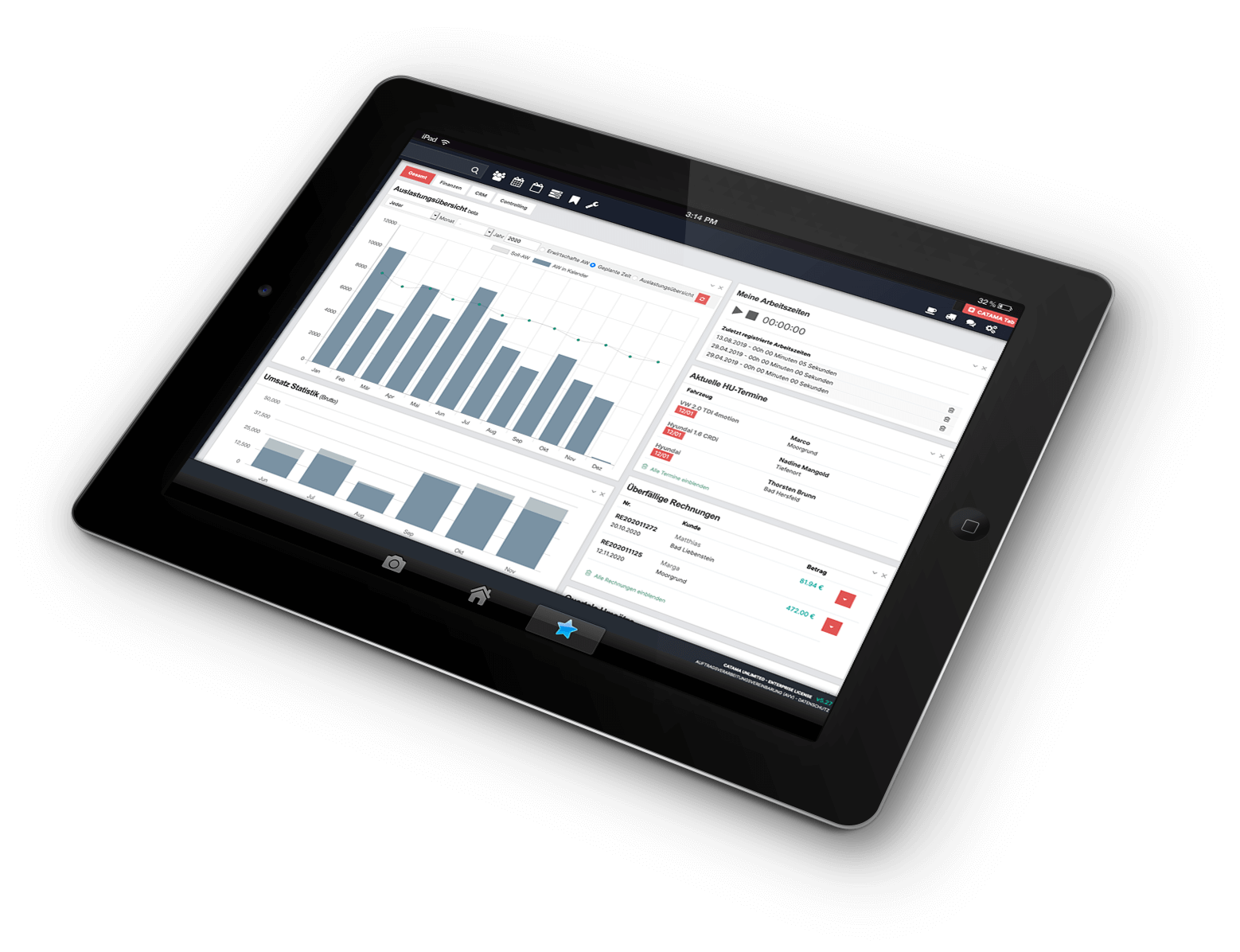
Make the most of your capacity
Keep a clear head: The planner shows you the availability of your resources and the workload of your team and workshop. This helps you avoid downtime and overload and plan realistically.
Unlike a static appointment list, planning and availability come together: when you create an appointment you can take departments, employees and workshop resources into account. That makes it easier to spot free capacity, schedule resources that are already in use and organise a realistic working day.
- Resource and Capacity Overview
- Assign Tasks Right When You Create Appointments
- Real-time updates for all employees
- Less downtime, predictable workflows
From Appointment to Repair
The scheduler maps out the entire process—from scheduling an appointment to vehicle drop-off and repair. Everything is linked to the customer, vehicle, and job order and is transparent to the team.
- End-to-End Process for Each Appointment
- Color-coded statuses for each step
- Linked to order and invoice
- Customer record and vehicle history at hand
- Logged working times come together on the order
- As a module or standalone solution
Workshop Planner in CATAMA – A Quick Overview
Can I schedule appointments using drag-and-drop?
Yes. You can create appointments in seconds, reschedule them, and directly assign them to areas, employees, and resources.
Can I schedule resources like lifts?
Yes. Mechanics, test stands, lifts, and rental vehicles can be managed and scheduled as resources.
Do all employees see the same status?
Thanks to cloud architecture, every appointment change is visible to everyone in real time, so nobody plans on outdated information.
Is the scheduler also available as a standalone solution?
The workshop scheduler is included in Enterprise and Unlimited and is also available as a standalone solution.
Can I create recurring appointments?
Yes. For work that comes up regularly you can create a series of appointments, daily, weekly, monthly or yearly. CATAMA generates individual appointments from the series that you can still move one by one.
Can I manage several locations?
Yes. Every appointment belongs to a branch. If you prefer, the calendar only shows the appointments of the current location, otherwise you see all branches in a single view.
Are customers reminded of their appointments automatically?
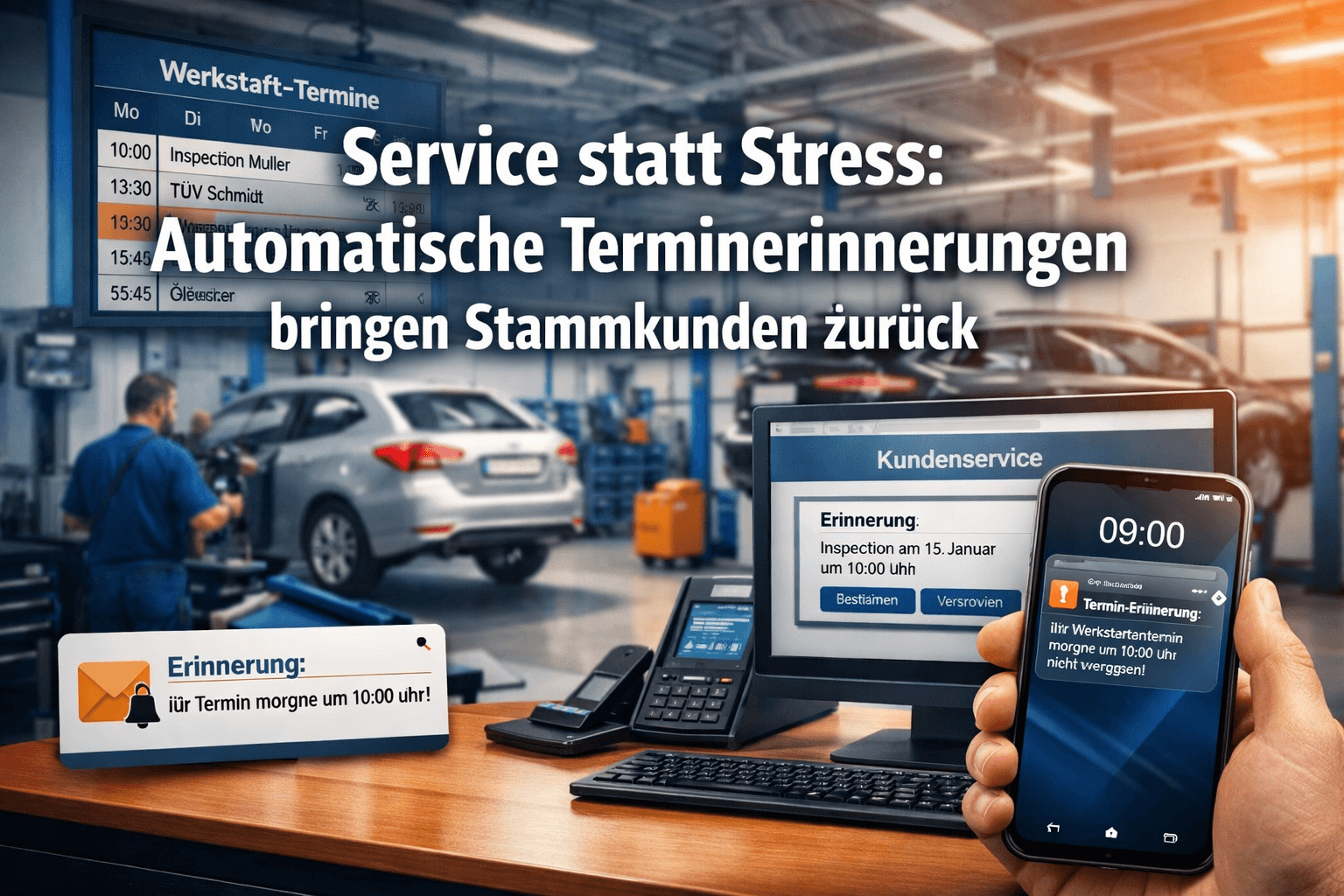
Yes. CATAMA sends appointment confirmations and scheduled reminders by email, SMS or WhatsApp.
How are double bookings avoided?
The whole team works in the same plan in real time. Resources that are already booked, such as shop vehicles or loaner cars, are shown as blocked when you assign them, and you can set a warning threshold for the maximum number of appointments per day.
More in the CATAMA ecosystem
Software for Auto Repair Shops
The complete solution for repair shops—scheduling, work orders, and invoices all in one place.
Motorcycles
Start the season without scheduling chaos—the industry solution for motorcycle shops.
Tire Retail & Tire Service
Keep storage and seasonal changes under control—with the Tire Manager.
WhatsApp API
Send appointment confirmations and reminders to your customers straight through WhatsApp.
Workshop Management
Manage job orders, record labour values and organise day-to-day workshop operations.
Orders & Invoices
The appointment becomes a job order and the job order becomes an invoice, with no media break.
Rethink Your Workshop Planning
Try CATAMA free for 14 days and experience drag-and-drop scheduling and resource planning.