
CATAMA AI: AI Features for Automotive Businesses
CATAMA AI brings together the AI services of CATAMA automotive software: invoice recognition, background removal, an assistant inside the interface and an open interface for AI agents. Billing runs on tokens, not on a flat fee per seat.
Cloud · Balance per branch · Every feature can be switched off
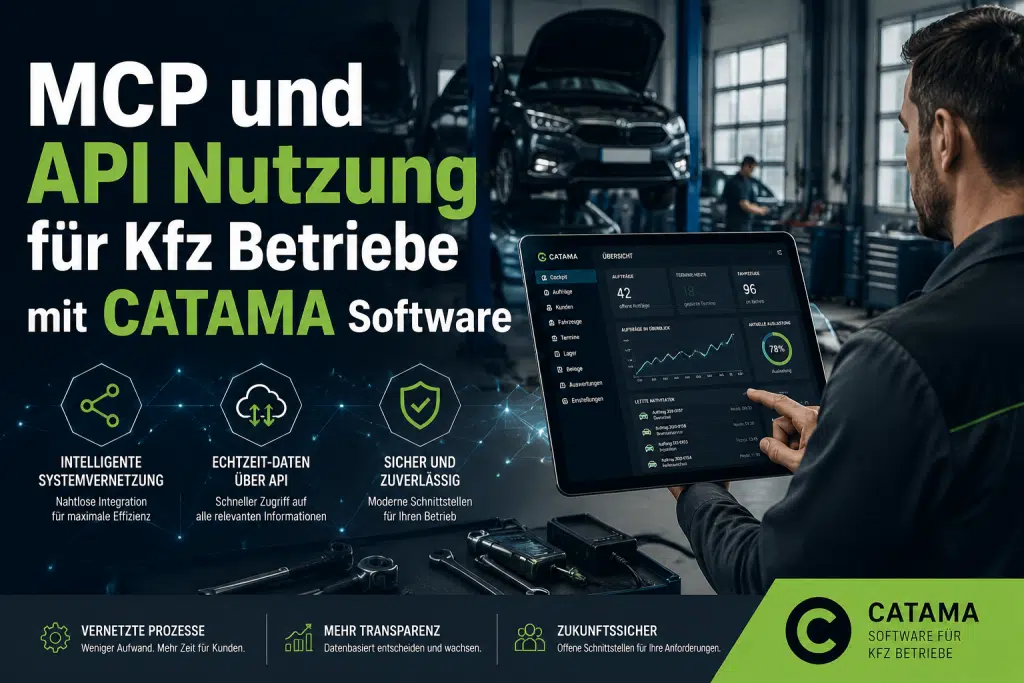
What CATAMA AI actually does
No sweeping AI promise, but individual services in the places where time is usually lost. Each service can be used or switched off on its own.
Invoice recognition in goods receiving
Incoming invoices are read out and pre-fill the entry form. Cost: one token per page.
Remove image backgrounds
In the template builder you can strip the background from part and vehicle photos, for labels, posters and listings.
Assistant inside the interface
A chat window right in CATAMA that answers questions about how to use the software and about your data, instead of searching a manual.
Service recommendations as PDF
Straight from an order you can generate a report with upsell and service recommendations to hand to the customer.
Open MCP interface
AI agents can access customers, vehicles, invoices, stock and appointments through a documented interface with token authentication.
Everything optional
Every AI feature can be deactivated individually. Without balance and without your approval, nothing runs.
Tokens instead of a flat fee
Every branch has its own token balance. Tokens are only spent when a service actually runs, currently for invoice recognition, background removal and the assistant. Each entry lands in a ledger you can review at any time.
- Balance and usage per branch
- Complete ledger for every operation
- A price per service, with an optional monthly allowance
- Top up your balance online
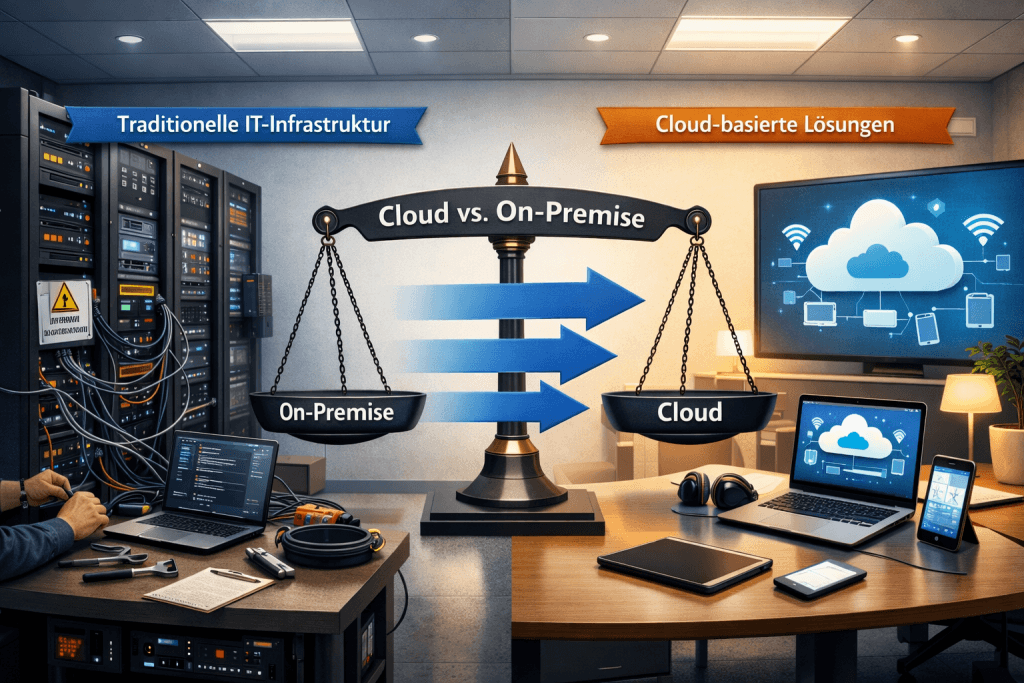
Connect AI agents to CATAMA
If you run your own assistants or automations, you can connect CATAMA through the MCP interface. Access works with a token and is limited to defined tools, with no direct database access.
- Authentication via API token
- Tools for customers, vehicles and invoices
- Stock levels and workshop appointments can be queried
- Documented calls for your own development
CATAMA AI in short
What does it cost to use?
There is no extra subscription, you pay with tokens. Each service has a price attached and you top up the balance online. A monthly allowance is available on request.
What are tokens spent on?
Currently on invoice recognition in goods receiving, removing image backgrounds and the AI assistant. Usage is booked per operation and visible in the ledger.
Can I switch off individual features?
Yes. Every AI feature can be deactivated separately, and without an active balance no service runs at all.
What is the MCP interface?
A documented interface that lets AI agents work with CATAMA. Access uses a token and is limited to defined queries such as customers, vehicles, invoices, stock and appointments.
More in the CATAMA ecosystem
AI where it actually takes work off your desk
Try CATAMA free for 5 days and put the AI services to the test with your starting balance.