
WhatsApp API for automotive businesses
Customers would rather write than call. With the WhatsApp API of the automotive software CATAMA you pair your own number and message straight from the program – with the history on the customer record and no second phone on the counter.
Cloud · Your own number · Data centre in Germany
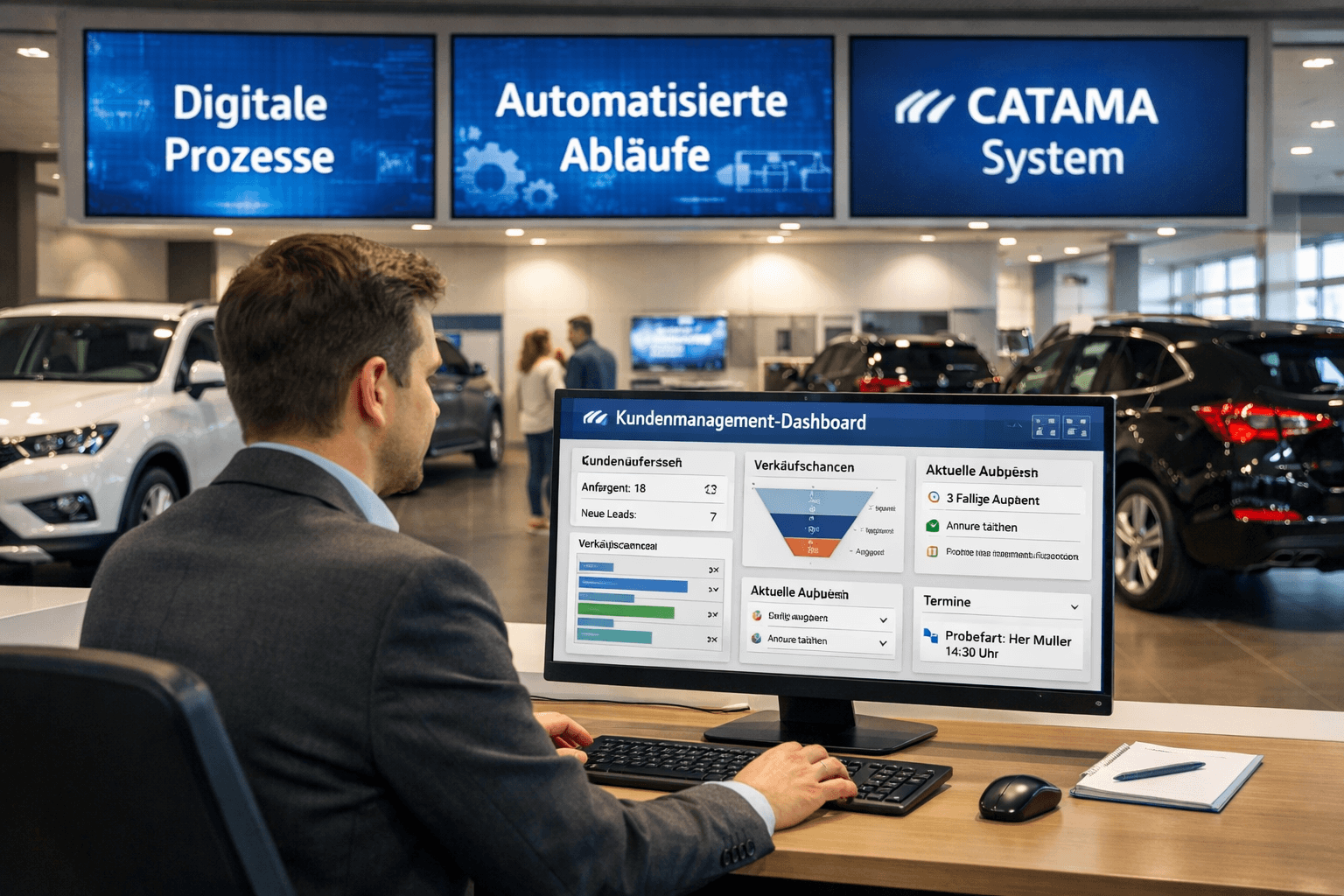
WhatsApp straight out of CATAMA
Messages are sent through CATAMA Grid, the connected messaging gateway. Once paired, WhatsApp is available everywhere you already work with the customer.
Pair your number
Connect the company number by scanning a QR code. Employees can additionally pair a number of their own.
Chat with full history
Messages you send and replies from customers come together in one thread – including an unread counter.
Assigned to the customer
Messages are matched to the contact through the mobile number instead of sitting loose on a phone.
Send documents
Send quotations and invoices as a PDF via WhatsApp directly from the document itself.
Appointment notifications
Confirmations and reminders go out by email, SMS, WhatsApp or across all channels – your choice.
Message templates
Maintain the wording centrally, with placeholders for customer, vehicle and appointment.
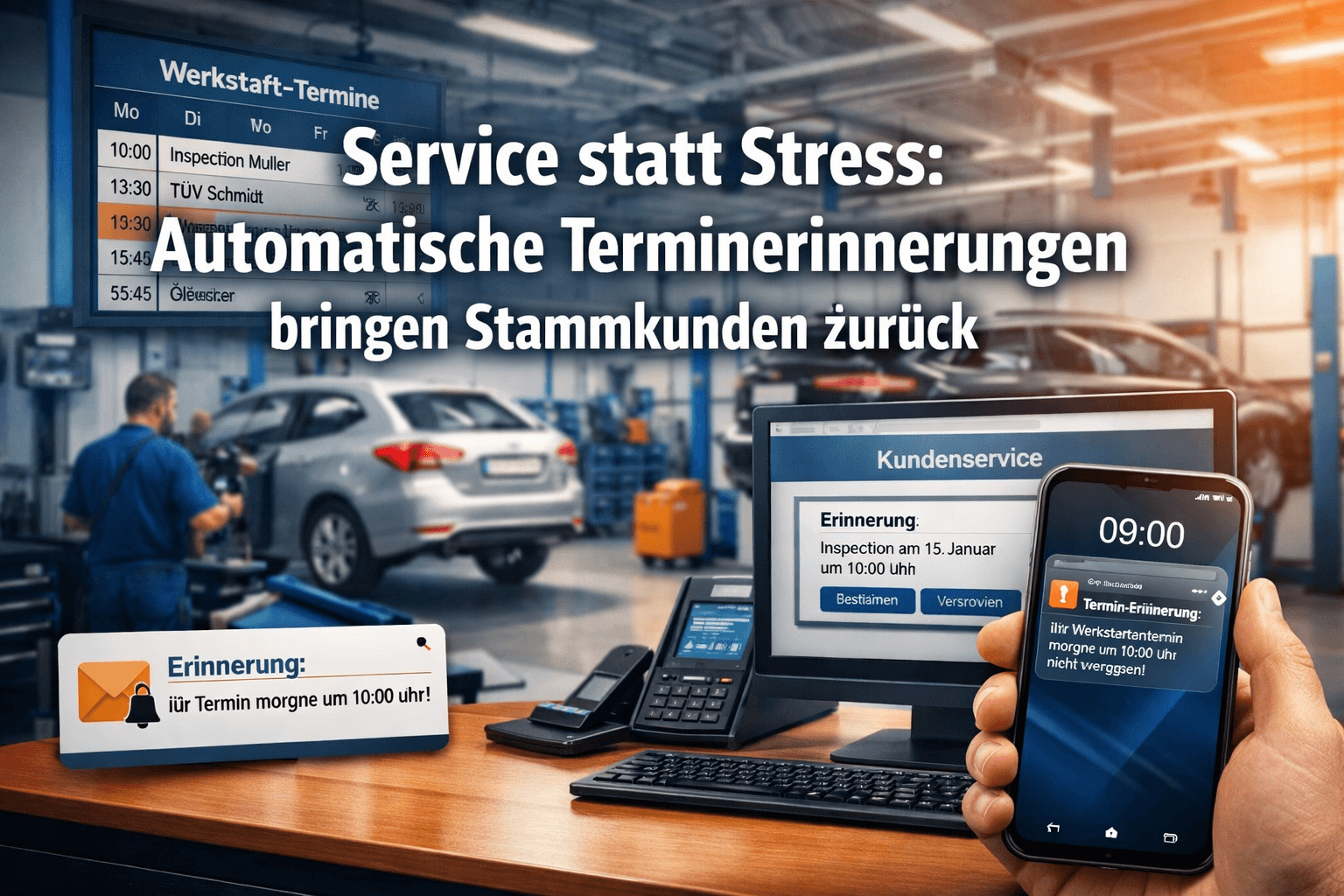
Appointments that actually arrive
Forgotten appointments cost bay time. CATAMA sends the confirmation and the reminder for a workshop appointment automatically – and a WhatsApp message is read far more often than an email.
- Confirmation right after booking
- Reminder ahead of the appointment
- Channel selectable per customer
- Texts with placeholders from the appointment
A channel that belongs to the customer
Because the thread sits on the contact, everyone in the team can see what was discussed last. Approvals for extra work, questions about the vehicle or the simple “your car is ready” all stay documented.
- History on the customer, not on a private phone
- Company number and employee numbers possible
- Replies come back into the program
- Cloud access from anywhere
WhatsApp API in brief
Which phone number is used?
Your own. The company number is paired with CATAMA Grid via QR code, and every employee can connect an additional number.
What does a customer record need?
A mobile number. If it is missing, or if no number is paired, WhatsApp sending stays switched off.
Can I see the replies?
Yes. Incoming replies and your own messages form a single thread, assigned to the contact.
Can I send invoices via WhatsApp?
Yes. Quotations and invoices can be sent as a PDF straight from the document once the connection is live.
More of the CATAMA universe
Prospects & contacts
Customers, vehicles and communication in one place – the basis for every chat.
Planning & administration
Workshop planner and appointments – the starting point for confirmations and reminders.
Message your customers where they read
Try CATAMA free for 5 days and use WhatsApp directly from the program.