
Sales & Billing: From Quote to Invoice
A seamless process instead of siloed solutions: With the CATAMA automotive software, you can create quotes, convert them into orders, and process invoices in compliance with legal requirements—including labor rates, open items, and dunning.
Cloud · GoBD-compliant · Data center in Germany
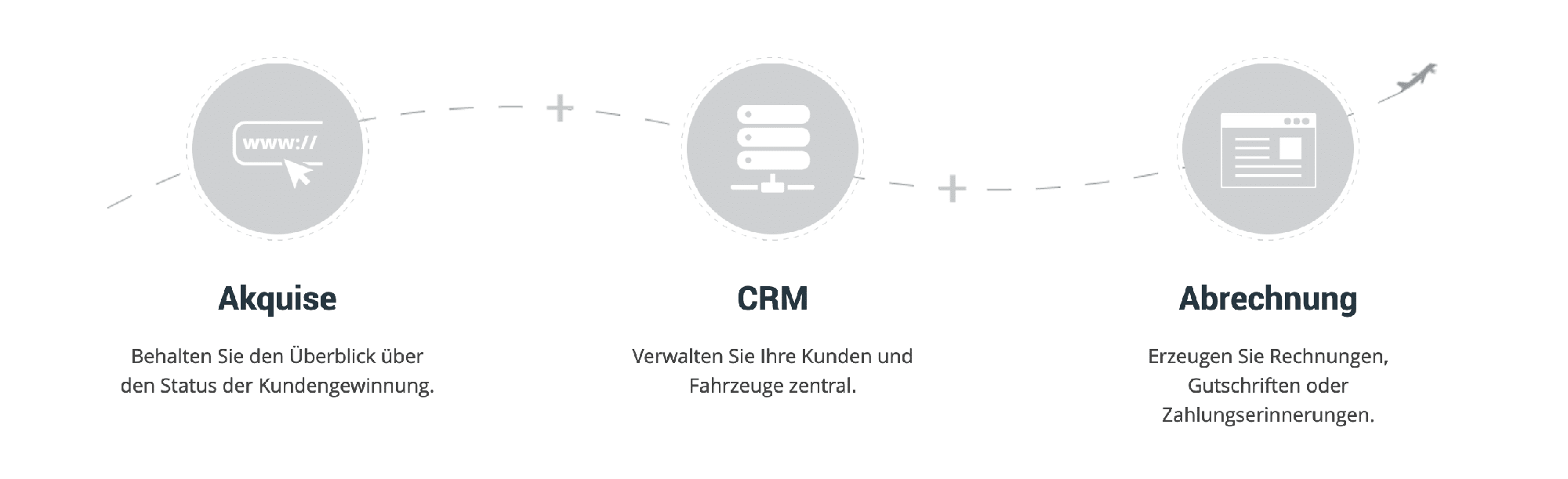
Seamless integration of sales and invoicing
CATAMA integrates customer acquisition with billing—so that an inquiry can be turned into a paid order without any detours.
Quotes & Estimates
Create quotes, assign them to employees, send them out, have them digitally approved, and track them.
Order Management
Convert confirmed quotes into orders with a single click and keep track of their processing status.
Work Values & Packages
Calculate using work values, parts, and packages—including time, surcharges, and discounts.
Invoices & E-Invoices
Turn the order into an invoice—GoBD-compliant and as an e-invoice (ZUGFeRD & XRechnung).
Payments & Open Items
Post incoming payments, track open items, and initiate the dunning process if necessary.
Tracking & Success
Identify which offers lead to closed deals and measure your sales success.
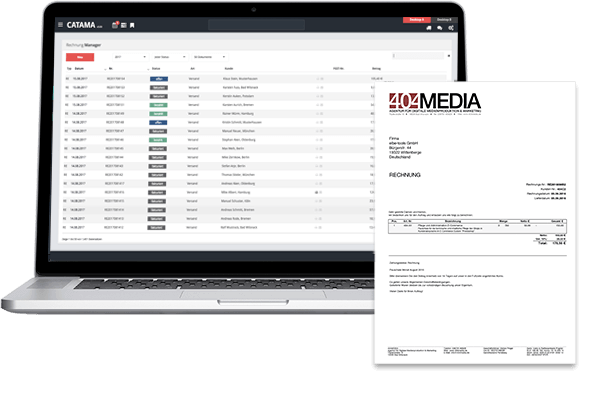
From Prospect to Paid Order
Quotes go directly to your customers, are confirmed digitally, and converted into orders and invoices with a single click. This way, you won’t miss any sales opportunities or waste time on duplicate data entry.
- Quote – Order – Invoice: A Seamless Workflow
- Digital confirmation by the customer
- Work values, parts & packages
- Status of every inquiry at a glance

Billing without media discontinuity
Invoices are firmly linked to orders and customers. Invoices are generated in compliance with GoBD, can be sent as e-invoices, and transferred to the tax office via DATEV export.
- GoBD-compliant invoices & credit memos
- E-invoices: ZUGFeRD & XRechnung
- Open Items & Dunning
- DATEV Export for Tax Advisors
Lead Generation & Billing – A Quick Guide
How does a quote become an order?
With just one click, you can convert confirmed quotes into orders and then into invoices—without having to re-enter any data.
Can I use labor rates to calculate costs?
Yes. You can calculate orders using work values, parts, and packages, including time, surcharges, and discounts.
How does this work with the invoicing software?
Invoicing is handled through the automotive invoicing program—GoBD-compliant and as e-invoices.
Where do I manage my contacts?
You manage contacts and leads under “Prospects & Contacts”—the foundation for your business development.
More in the CATAMA ecosystem
From Inquiry to Paid Invoice
Try CATAMA free for 14 days and streamline your sales and invoicing processes into a single workflow.