
Manage Prospects and Contacts at the Auto Shop
Customers, prospects, suppliers, and manufacturers—all in one place: CATAMA’s automotive software CRM consolidates all contacts along with their complete history—organized using tags and filters, and easily searchable at any time.
Cloud · GDPR-compliant · Data center in Germany
A CRM for all of your company's contacts
Whether it's a customer, a prospective customer, a supplier, or a manufacturer—CATAMA manages every relationship in a structured way and links it to vehicles, orders, and documents.
Contacts & Customers
Centrally manage and retrieve your customer database, including vehicles, orders, and complete history.
Suppliers & Manufacturers
Manage suppliers and manufacturers, including their terms and conditions and contact persons—linked to the purchasing department.
Prospective Customers & Leads
Record, classify, and evaluate new prospects as part of a clear sales process.
Tags & Customer Groups
Assign freely definable tags to contacts and group them into target audiences using detailed filters.
History & Events
Each contact has its own history: orders, documents, appointments, and communications—all in one place.
GDPR-compliant
Contact information securely stored in German data centers—with the necessary data protection features.

All Contacts, One Truth
Customers, prospects, and suppliers are all stored in a central location and linked to vehicles, orders, and documents. This ensures that the entire team is working with the same up-to-date data.
- Customer, Prospect, and Supplier Database
- Link to Vehicle & Order
- Full history for each contact
- Location-Independent Cloud Access
Contacts Turn into Orders
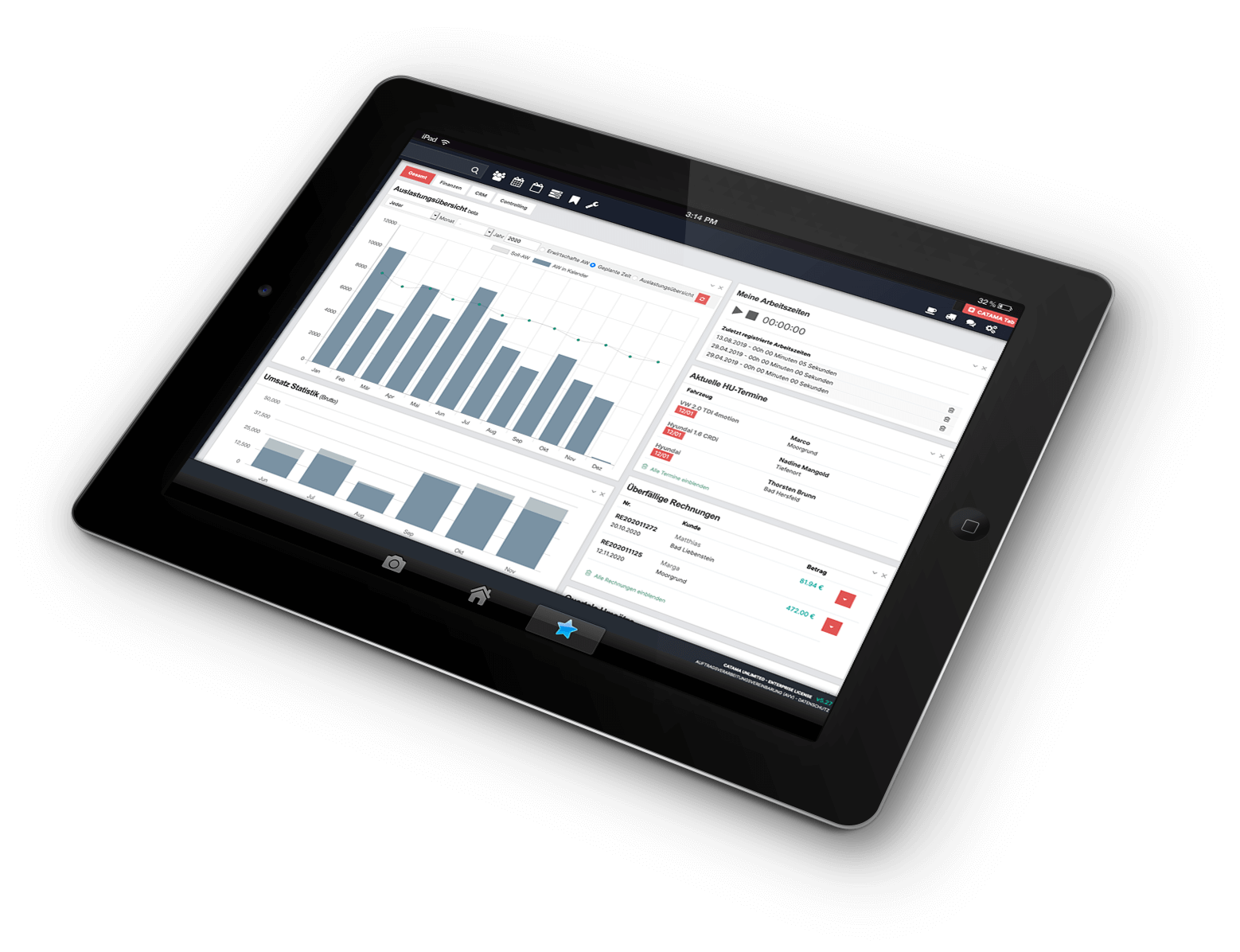
The contact database is the foundation for lead generation, quotes, and campaigns. Using tags and filters, you can create target groups and reach them directly—right from within the CRM.
- Target Audiences Using Tags & Filters
- Transition to Offers & Orders
- Basis for Campaigns & Mailings
- Keeping an Eye on Sales Opportunities
Prospective Clients & Contacts – A Brief Overview
What types of contacts can I manage?
Customers, prospective customers, suppliers, and manufacturers—each with their history, contact persons, and links to vehicles and orders.
Can I create target groups?
Yes. You can use customizable tags and detailed filters to create customer groups for lead generation and campaigns.
Where do I manage suppliers?
You can manage suppliers and manufacturers under " Suppliers & Manufacturers "—which is linked to Purchasing.
How does a lead turn into an order?
You can create quotes and orders from within the contact—the " Sales & Billing" module walks you through the process.
More from the CATAMA Universe
Contacts That Drive Your Sales
Try CATAMA free for 5 days and bring your customers, prospects, and suppliers together in one CRM.