
Accounting for Automotive Businesses – DATEV Export & GoBD-Compliant
Invoices, credit memos, payments, and cash book all in one place—recorded in compliance with GoBD and transferred to your tax advisor as a DATEV export with just one click. No more double entry or monthly document collection.
No setup fee · Cancel anytime · Data center in Germany
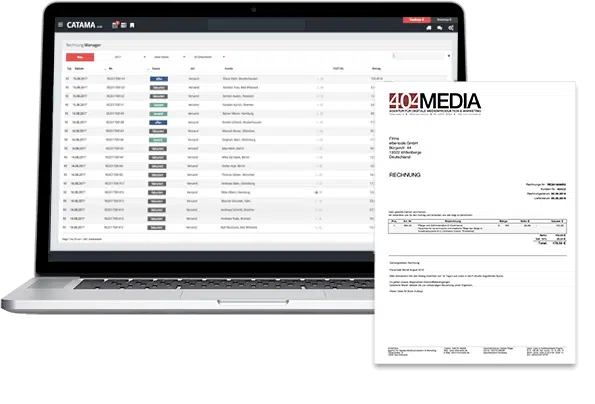
Everything You Need for Accounting in an Auto Repair Shop
From properly prepared invoices to a smooth handoff to your tax advisor—the CATAMA automotive software provides end-to-end support for your accounting processes.
Invoices & Credit Memos
Receipts with all required information, sequential numbering, and proper cancellation via credit memos—including differential taxation for the automotive trade.
DATEV Interface
Export outgoing invoices, incoming documents, and journal entries for a period of your choice in DATEV format.
GoBD & Audit Compliance
Non-modifiable documents, continuous number ranges, and a traceable history meet the requirements of the GoBD.
Post Payments
Post incoming payments, down payments, and partial payments to invoices with a single click—the document status updates automatically.
Billing and Collections
Payment reminders and multi-stage collection notices directly from CATAMA—including late fees and optional referral to a collection agency.
Cash Book
Record cash receipts and disbursements and maintain them in a cash journal—which can be analyzed and exported at any time.
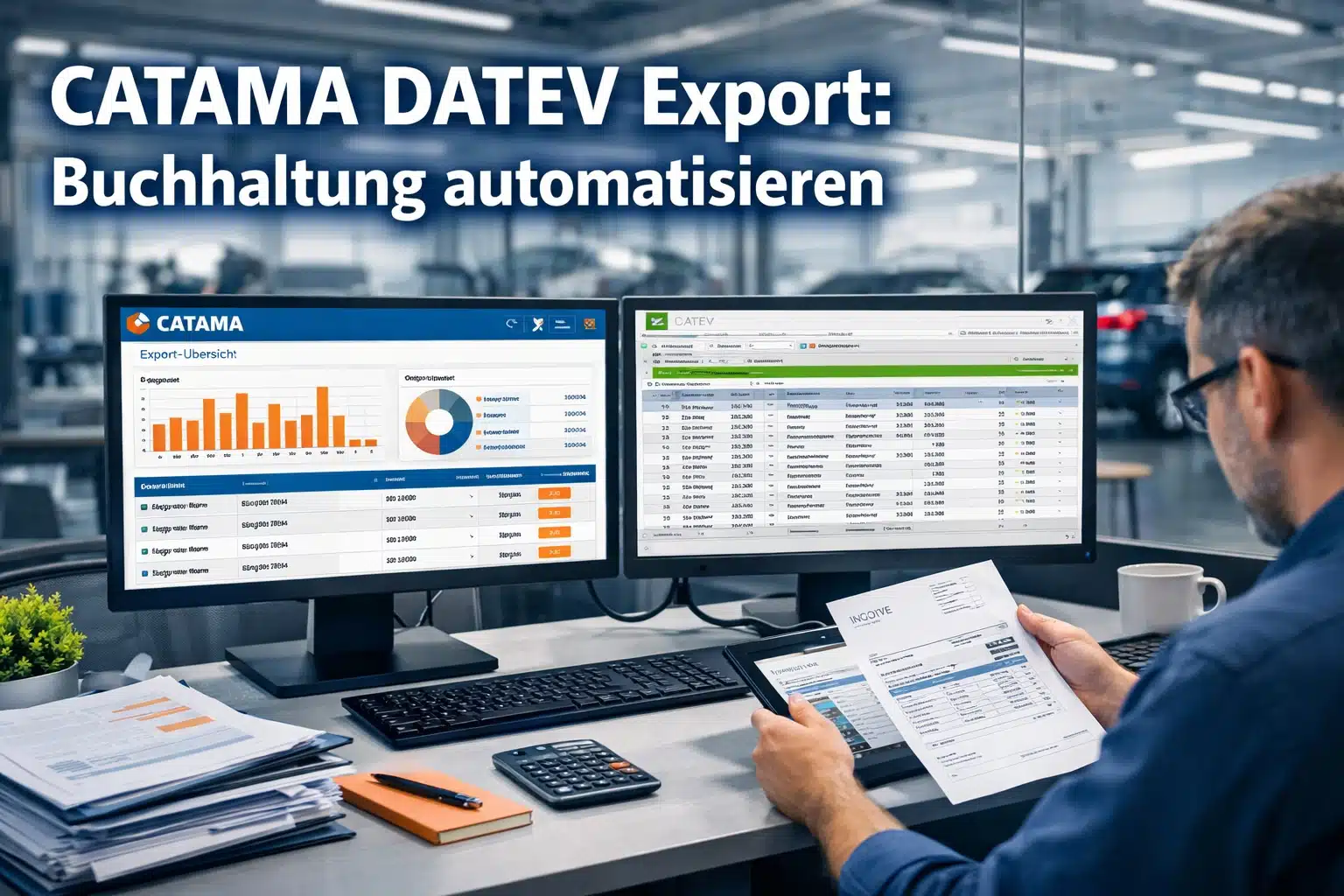
DATEV Export – Say Goodbye to Paperwork
Instead of lugging around folders and entering receipts twice, submit your accounting records digitally. CATAMA provides outgoing invoices, incoming receipts, and the corresponding journal entries in DATEV format—for exactly the time period your tax firm needs.
- Export in DATEV Format (Documents & Journal Entries)
- Time period can be selected freely—month, quarter, or year
- Transfer Incoming and Outgoing Documents Together
- Fewer follow-up questions, faster deals

Record and Archive Documents in Compliance with GoBD
Each document is automatically assigned a status—open, overdue, or paid—and is archived in a way that cannot be altered. This allows you to keep track of outstanding receivables while also complying with record-keeping and traceability requirements.
- Automatic Document Status & Number Ranges
- Open-Item Lists at the Click of a Button
- Immutable Archiving in Accordance with GoBD
- Seamless Transition to Payment Posting & Billing
Accounting at CATAMA – A Brief Overview
Does CATAMA support DATEV export?
Yes. You can export receipts and journal entries in DATEV format for any time period you choose and send them to your tax advisor—without having to enter the data twice.
Is the document entry process GoBD-compliant?
Documents are archived in an unalterable format, numbering sequences remain complete, and changes are traceable—this is how CATAMA supports GoBD requirements.
Can I keep a cash book?
Yes. Cash receipts and disbursements can be recorded, analyzed, and exported as a cash journal—ideal for documenting cash transactions within the business.
What is the difference between accounting and finance?
The accounting department ensures that all documents are properly prepared and submitted. You can find reports, revenue metrics, and liquidity information in the Finance section.
More from the CATAMA Universe
Automotive Invoicing Software
Create legally compliant invoices, quotes, and orders—the foundation of your accounting.
Software for Auto Repair Shops
The all-in-one solution for auto repair shops—from intake to invoicing.
Accounting that keeps pace with day-to-day operations in the automotive industry
Try CATAMA free for 5 days and see how easily receipts, payments, and DATEV exports work together.