
Order Processing & Receiving for Auto Repair Shops
Spare parts are always available, without inventory chaos: CATAMA manages order recommendations, supplier integration, goods receipt, and inventory in a seamless process—as part of the CATAMA automotive software.
Cloud · Vendor Integration · Data Center in Germany

One-Stop Procurement and Goods Receiving
From ordering to receiving goods to inventory—CATAMA keeps your warehouse streamlined and your spare parts in stock.
Ordering
Order recommendations based on minimum and maximum inventory levels, consolidated orders, and order monitoring.
Supplier Integration
Integrate parts catalogs and supplier prices, and place orders directly from the software.
Goods Receiving & Inventory
Check and record deliveries, make inventory adjustments, and conduct inventory counts.
Document Entry & Archiving
Enter purchase receipts, assign delivery slips, and archive them in an audit-proof manner.
Prices & Terms
Enter purchase prices, pricing tiers, and terms for each supplier and use them when placing orders.
Integrated with inventory management
Inventory, items, and vehicles are all interconnected—there is no disconnect between purchasing and the warehouse.
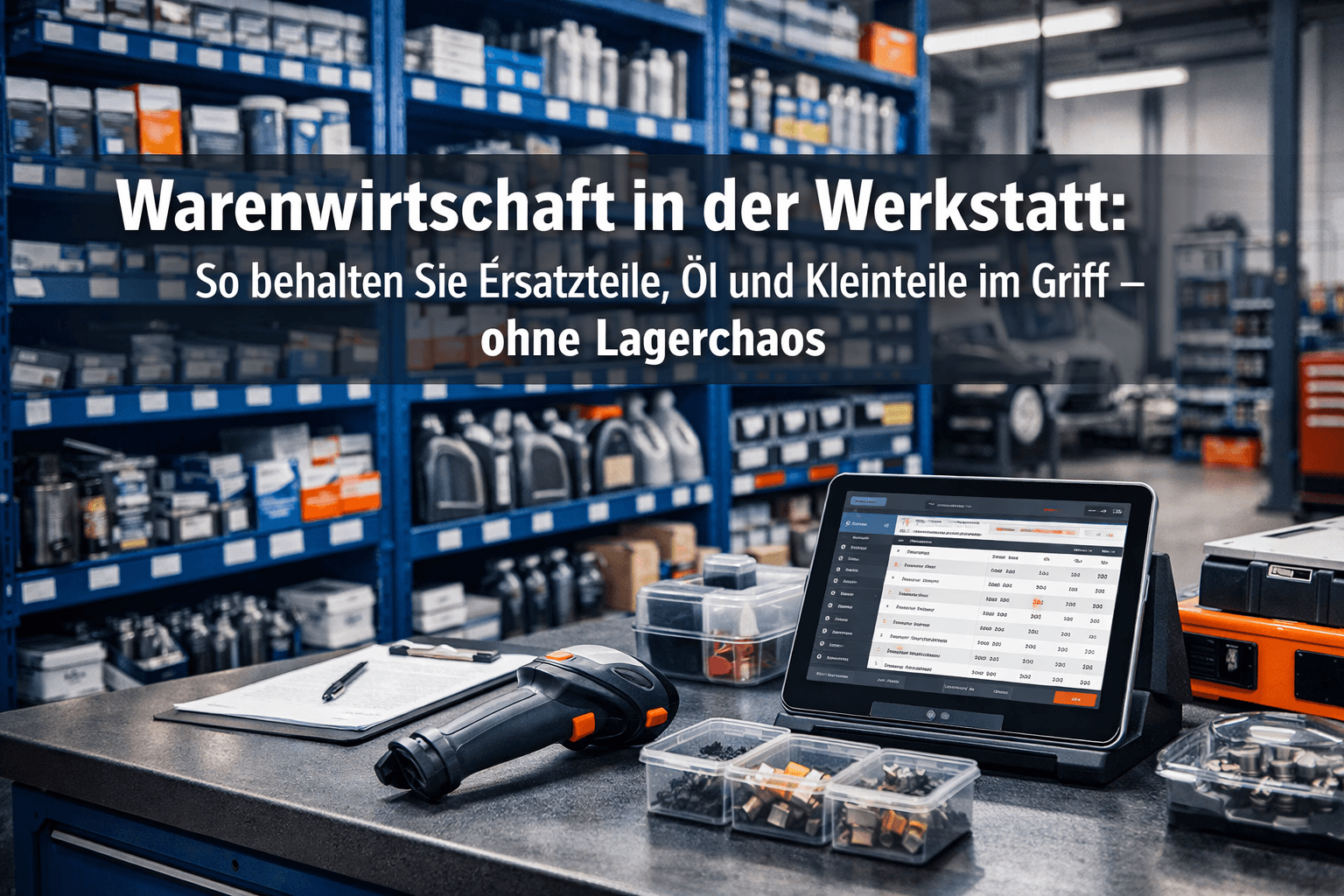
No More Missing Parts
CATAMA uses minimum and maximum inventory levels to determine what needs to be reordered and suggests appropriate orders. You can place orders directly from the system through the supplier integration.
- Automatic order suggestions
- Supplier Catalogs & Prices
- Order Tracking & Backorders
- Directly from the inventory management system

From the delivery slip to the inventory count
Check and record delivered goods, file receipts, and maintain accurate inventory levels. During inventory, count your items and reconcile any discrepancies thoroughly.
- Posting & Verifying Goods Receipts
- Document Entry & Archiving
- Inventory Count with Variance Reconciliation
- Real-time inventory levels
Order Processing & Goods Receiving – A Brief Explanation
Does CATAMA automatically generate order recommendations?
Yes. Based on minimum and maximum inventory levels, CATAMA suggests items to reorder—learn more about the ordering process.
Can I integrate supplier catalogs?
Yes. You can use the interfaces to integrate parts catalogs and supplier prices and place orders directly from the system.
How does the goods receipt process work?
Check and post deliveries when goods are received; inventory levels are updated immediately.
Is it possible to conduct an inventory?
Yes. You count your items, reconcile discrepancies, and document the inventory in an audit-proof manner.
More from the CATAMA Universe
Inventory Management & Stock
Items, replacement parts, and vehicles in inventory—all managed in a single inventory management system.
Software for Auto Repair Shops
The all-in-one solution for auto repair shops—from intake to invoicing.
Lean inventory, full availability
Try CATAMA free for 5 days and manage orders, receiving, and inventory all in one place.