
Vehicle Registration Scanner with OCR
No more typing out endless sequences of numbers and letters: Just scan or take a photo of your vehicle registration certificate, upload it, and you’re done. The OCR scanner integrated into the CATAMA automotive software automatically extracts the vehicle data—without any additional hardware.
No additional device required · A camera or scanner is all you need · All the details about the OCR scanner
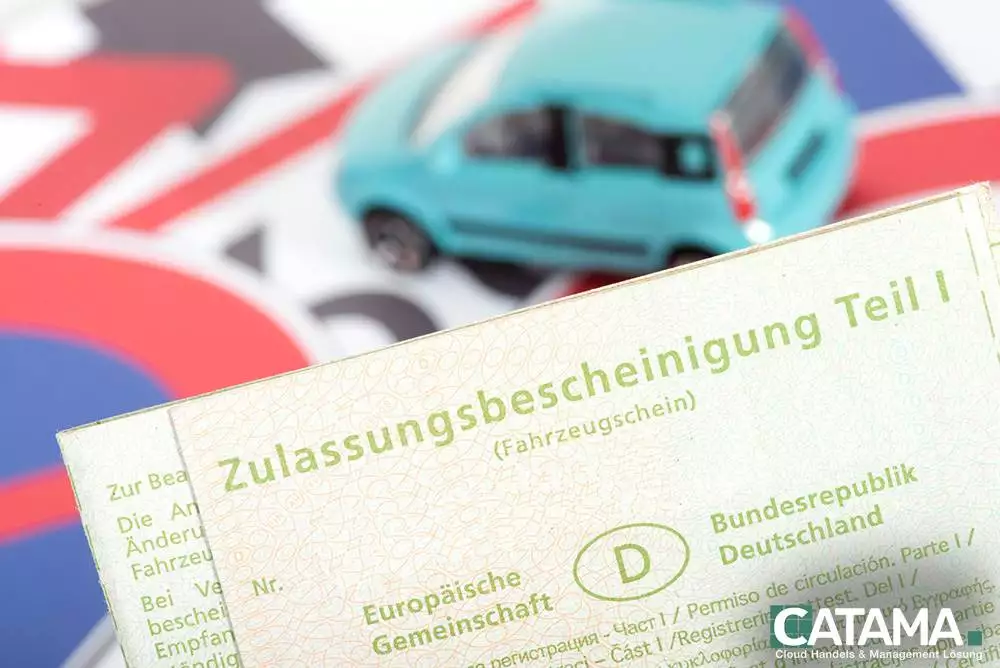
Scan vehicle registration certificates—easily and efficiently
State-of-the-art OCR technology recognizes all relevant data from the vehicle registration certificate—right when you upload it.
Intelligent Data Extraction
OCR technology automatically reads license plate numbers, vehicle identification numbers, make, model, owner, and more.
Photo or scan
Simply take a photo or scan your vehicle registration certificate and upload it—the rest happens automatically.
Without additional hardware
Fully integrated into CATAMA. All you need is your existing camera or scanner—no additional device required.
Save time
No more typing out endless strings of numbers and letters—setup takes just seconds.
Fewer typos
Data that is automatically imported reduces errors in license plate numbers and vehicle identification numbers.
Direct Vehicle Installation
The recognized data is fed directly into the vehicle management system—without any intermediate steps.
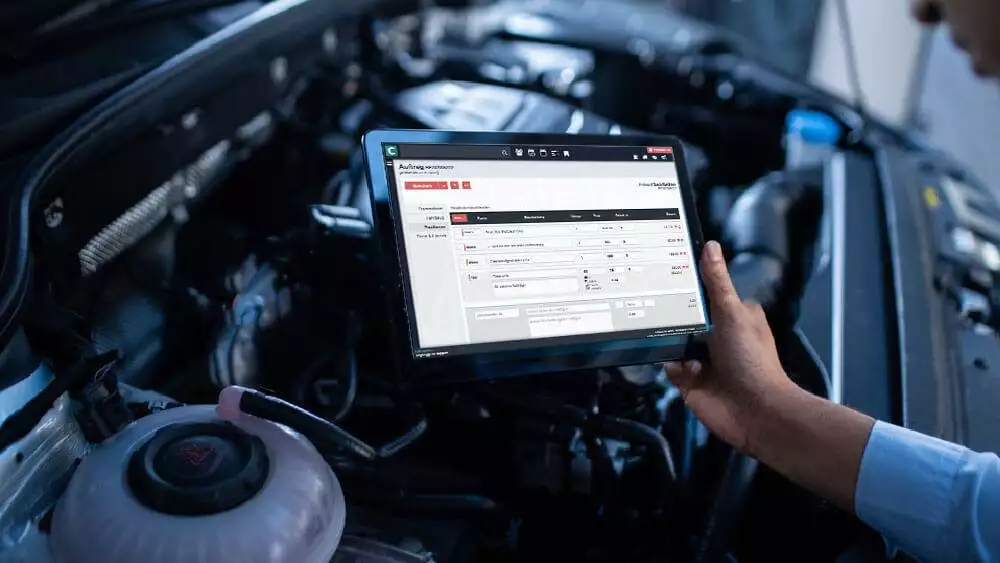
Scan, upload, done
The vehicle registration scanner makes registering a vehicle a breeze. The vehicle is registered in just three steps—without you having to type a single field by hand.
- 1. Take a photo or scan your vehicle registration certificate
- 2. Upload an image to CATAMA
- 3. Review and save the recognized data
- Done – Vehicle has been added
Go directly to Vehicle Management
The data recognized by OCR is sent directly to vehicle management. From there, it is forwarded to cost accounting, marketing, and exchange export—all without duplicate data entry.
- Transfer to the Vehicle Management Department
- Assignment to Customer & Order
- Basis for Purchase Documentation & Marketing
- No media break
Vehicle Registration Scanner – A Quick Explanation
Do I need any additional hardware?
No. The scanner is fully integrated into CATAMA. Your existing camera or scanner is all you need—one photo is enough.
What data is recognized?
These include the license plate number, vehicle identification number, make and model, and the owner's name—as well as other relevant details.
How fast does the system work?
In seconds: Upload an image, verify the recognized data, and save it—without having to type anything manually.
Where does the data go?
Directly into fleet management —as the foundation for cost tracking, purchasing, and marketing.
More from the CATAMA Universe
Vehicle Management
Centrally manage inventory and customer vehicles—including costs, days out of service, and export to the marketplace.
Software for the automotive retail industry
The industry solution for retailers—from purchasing and exchange synchronization to sales.
Software for Auto Repair Shops
The all-in-one solution for auto repair shops—including fast service intake.
Vehicle Setup in Seconds
Try CATAMA free for 5 days and add vehicles by scanning their registration certificates—no manual data entry required.